SlideMate Download
SlideMate: Presentation Helper
This Android app helps you deliver PowerPoint presentations from your smartphone. The PC Manager and Android app communicate via Bluetooth, allowing you to open PowerPoint documents in specific folders, control the mouse, and navigate pages. This app has the inconvenience of installing PC Companion, which is unavoidable.
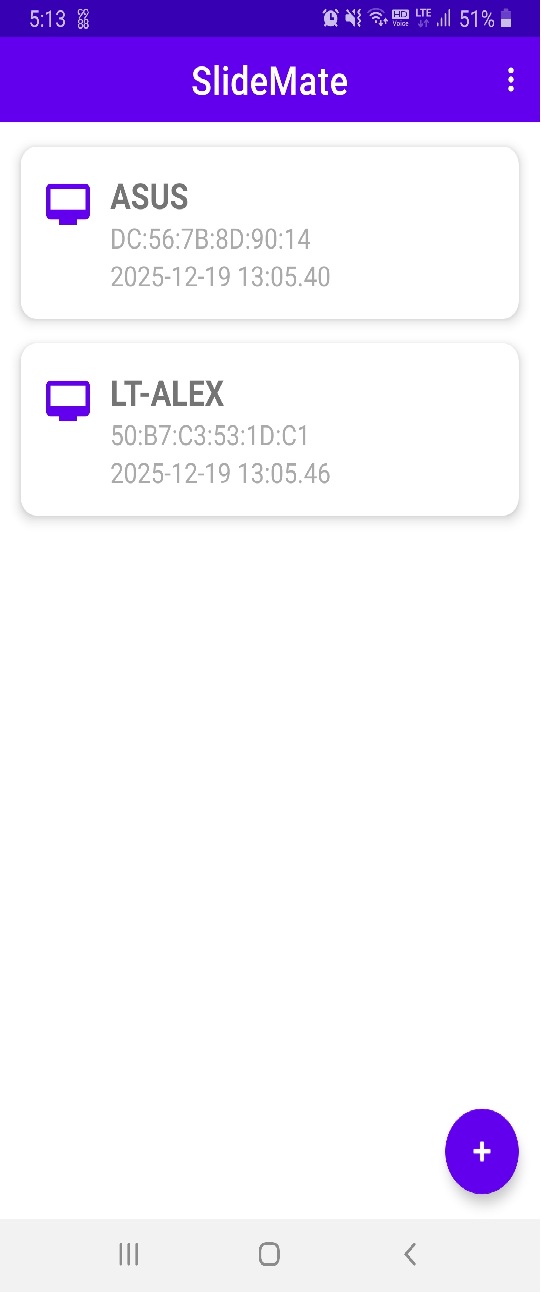
PC Side Manager
“AOKY BT Manager”, The PC-side Manager plays a practical role in pairing nearby Bluetooth devices and controlling PowerPoint. It also transmits the current document page and the presenter’s annotations from the PowerPoint Add-In to the Android app.
Pairing your Android device with your PC can be done without using these apps, using the Bluetooth utility provided by Windows or Android. This makes setup easier.
To add technical details, it uses the API provided by Win32, was developed with VC++/MFC, and can be set to four languages.
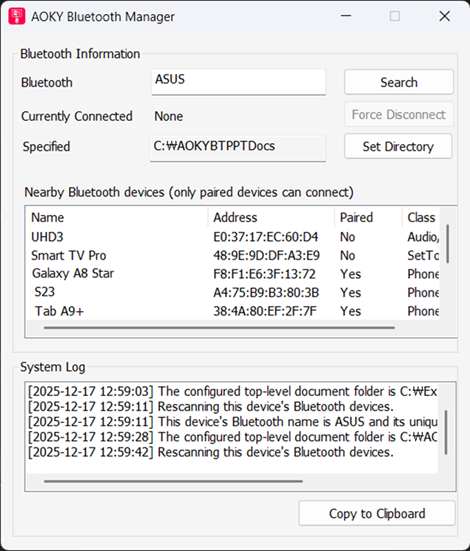
File Lists
When you connect to a registered PC via Bluetooth from the Android main screen, the directory and PowerPoint documents in the specified folder are displayed.
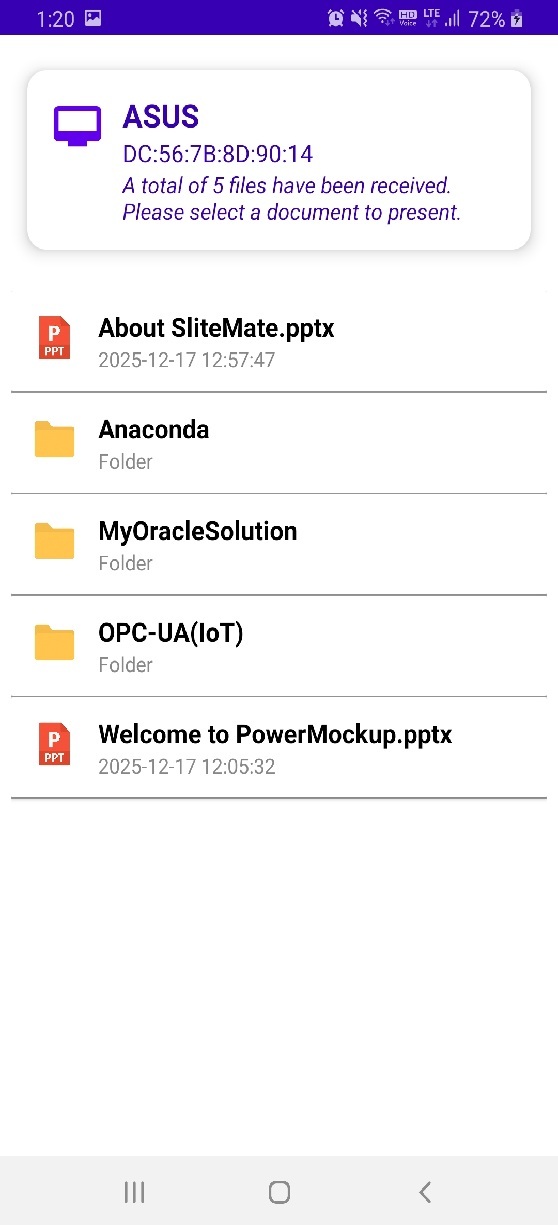
When you select a folder, it shows the usual form of showing the files and folders inside it again.
Presentation Mode(Slide Mode)
Once you select a PowerPoint document to present, you’ll enter presentation mode, and the file will automatically switch to slide mode. You can change the cursor to a laser pointer through the menu in the Android app.
The Power Point VSTO Add-In that allows you to view the notes on the presenter’s screen in PPT’s Slide Mode as an Android app is installed together with PC Companion Manager.
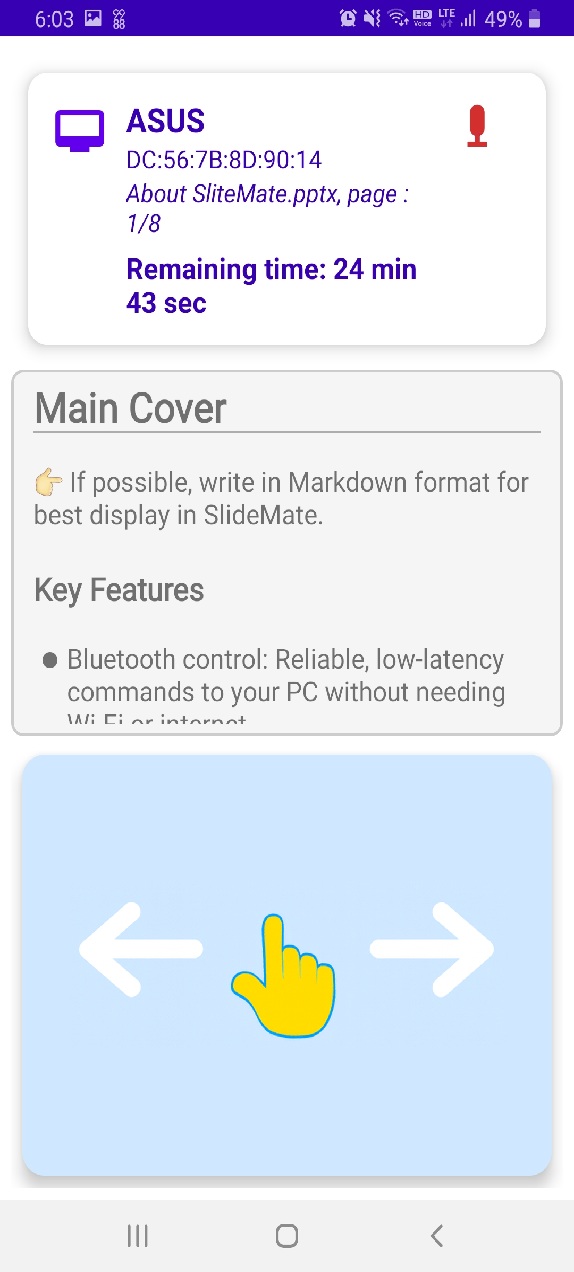
Moving forward and backward on the page is implemented with gestures, so you can quickly scroll your hand to the right or left, and you can also use the sound volume.
End of Presentation
When the presentation is over, pressing the back or close menu will automatically close the slide mode of the PowerPoint presentation, and the document will automatically close, causing PowerPoint to automatically exit.
You will be taken back to the list of folders and document files.
🎞️ Short Promotional Clip
Download
For More, refer to below document. Manual
“By downloading this software, you agree to the Terms of Use.”
Legal Disclaimer and Terms of Use
This software is provided “as is,” without any express or implied warranty of any kind. In no event shall the author or copyright holder be liable for any damages or other liability, whether in an action of contract, tort, or otherwise, arising from, out of, or in connection with the software or the use or other dealings in the software.
Key Provisions:
Permission to Distribute: You are free to redistribute this software in its original, unmodified form.
User Responsibility: The entire risk as to the quality and performance of the software is with the user. Should the software prove defective, the user assumes the cost of all necessary servicing, repair, or correction.
No Liability: Under no circumstances shall the author be held responsible for any data loss, hardware damage, or any legal issues resulting from the use of this software.